Setting up Microsoft Outlook (Apple Mac OSX)
This guide walks you through setting up an email account in the Microsoft Outlook email client on your Apple Mac.
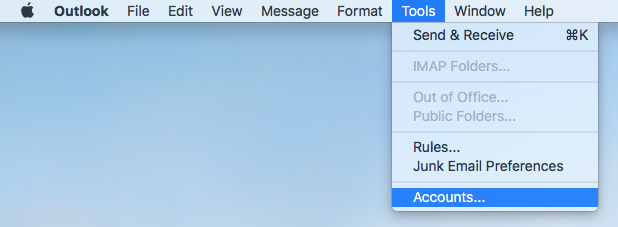
1 If this is your first time using Outlook and you don't have any mail accounts set up already you may see a splash screen asking you to enter your email address. If not, select Account... from the Tools menu.
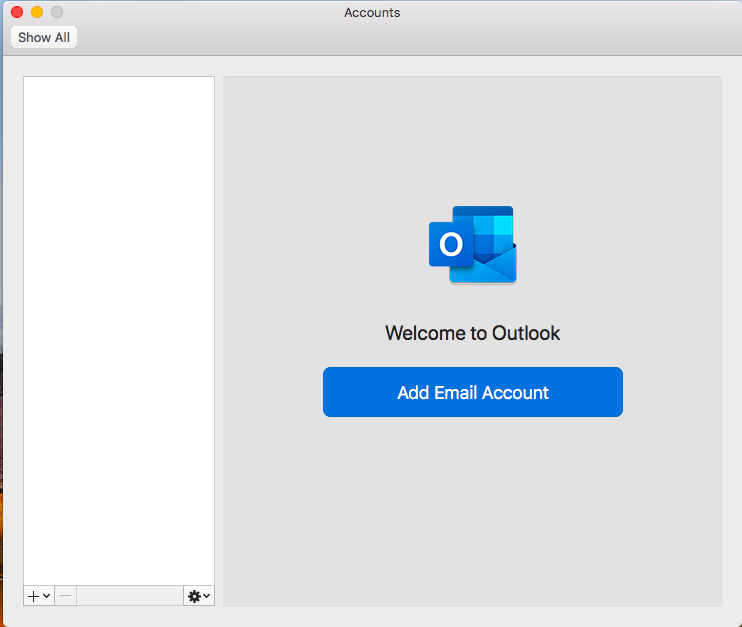
2 Then click Add Email Account
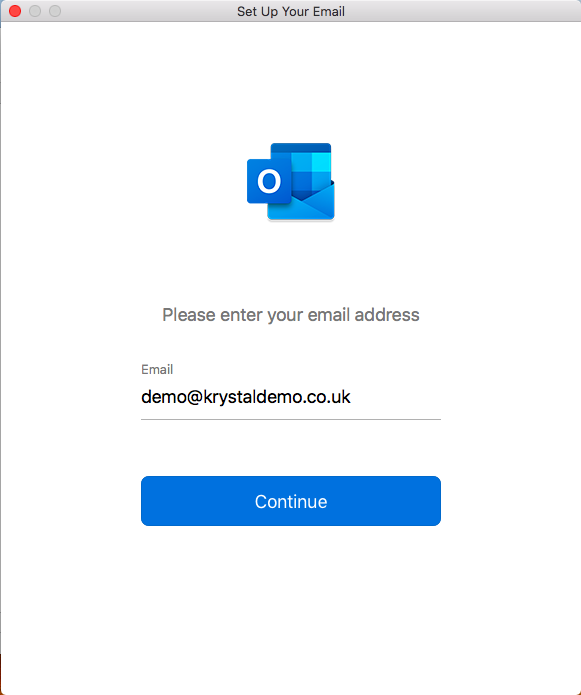
3 Enter the email address you'd like to add
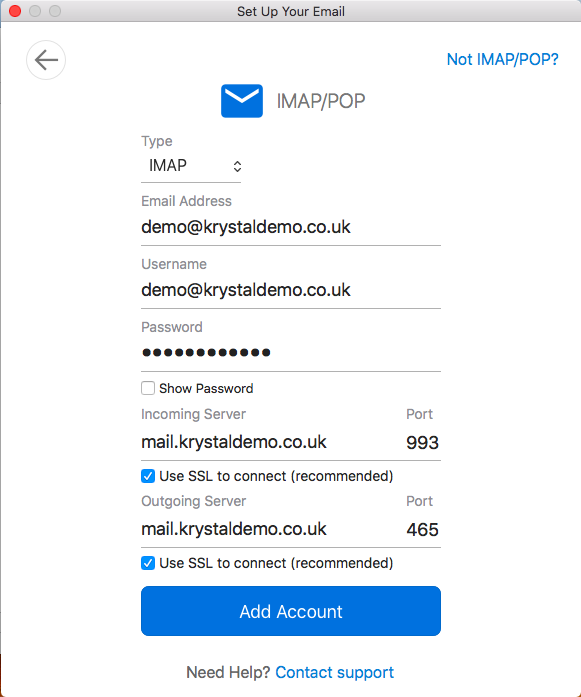
4 Outlook should autodetect the email server as IMAP. Enter your email account password and then click Add Account.
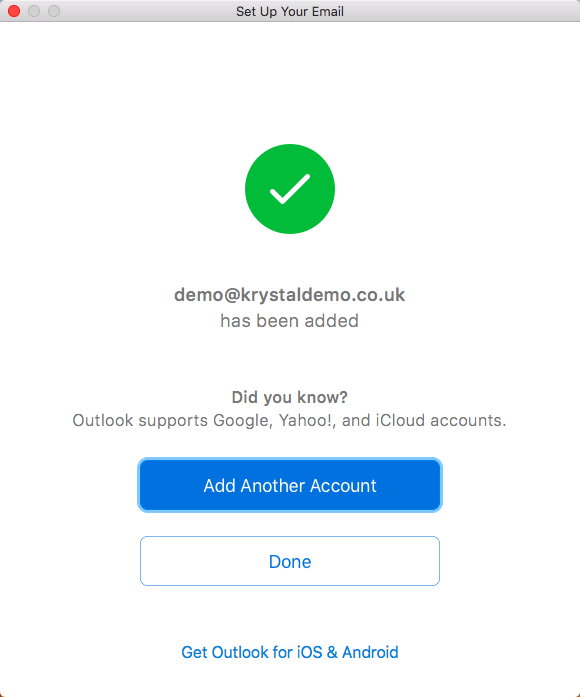
5 Finally, click Done to complete the setup